
Free SEO Audit Template: Download & Customize
Get a free SEO audit template with 50+ checkpoints. Covers technical SEO, on-page optimization, content quality, and backlink analysis in an easy-to-follow checklist format.

Running an SEO audit without a structured template is like performing surgery without a checklist — you will inevitably miss something important. An SEO audit template gives you a repeatable, organized framework to evaluate every aspect of your website's search performance, from technical infrastructure to content quality and backlink health.
This article provides a ready-to-use SEO audit template with over 50 individual checkpoints organized into four major categories. Whether you are auditing your own site or delivering reports for clients, this template ensures nothing slips through the cracks. For a deeper understanding of the entire audit process, refer to our complete SEO audit guide.
Why Use an SEO Audit Template?
Many SEO professionals rely on memory or ad hoc processes when auditing websites. This approach breaks down quickly as sites grow in complexity. A dedicated SEO audit template solves several critical problems.
Consistency Across Audits
When you use the same template every time, you produce results that are directly comparable. You can track progress month over month, identify recurring issues, and demonstrate measurable improvement to stakeholders. Without a template, each audit covers slightly different ground, making trend analysis nearly impossible.
Completeness and Thoroughness
A well-designed template ensures you check every important factor, even the ones that are easy to overlook. It is common for even experienced SEOs to forget about hreflang validation, orphan pages, or structured data errors when working from memory. The template eliminates that risk.
Delegation and Collaboration
When your SEO audit template is documented, anyone on your team can execute it. Junior team members can follow the checklist and flag issues for senior staff to review. This makes your audit process scalable without sacrificing quality.
Client Communication
For agency professionals, a standardized template doubles as a reporting framework. Clients see a clear, professional document that covers every area of SEO, which builds trust and demonstrates the value of your work.
The Complete SEO Audit Checklist

Below is the full SEO audit template, organized into four categories. Work through each section methodically and record the status of every item — pass, fail, or needs improvement.
Technical SEO Checks
Technical SEO forms the foundation of your site's search visibility. If search engines cannot crawl and index your pages properly, nothing else matters.
- SSL certificate active — Verify that the site loads over HTTPS and that the SSL certificate is valid with no mixed content warnings.
- robots.txt properly configured — Check that
robots.txtexists at the root domain, does not accidentally block important pages or resources, and includes a reference to the XML sitemap. - XML sitemap submitted and valid — Confirm the sitemap is submitted in Google Search Console, returns a 200 status code, contains only indexable URLs, and does not exceed the 50,000 URL or 50 MB limit.
- Page speed optimized — Test representative pages with Google PageSpeed Insights. Aim for performance scores above 80 on both mobile and desktop.
- Mobile-friendly design — Verify the site passes Google's mobile-friendliness standards. Check that text is readable without zooming, tap targets are adequately sized, and no horizontal scrolling is required.
- Crawl errors resolved — Review Google Search Console's indexing report for crawl errors including 404s, server errors, and redirect issues. Fix or redirect any broken URLs.
- Redirect chains eliminated — Audit all redirects to ensure there are no chains (A redirects to B redirects to C). Each redirect should go directly to the final destination in a single hop.
- Canonical tags implemented correctly — Verify that every indexable page has a self-referencing canonical tag using an absolute HTTPS URL. Check that paginated pages, filtered pages, and parameter variations point to the correct canonical version.
- Structured data valid — Test your structured data with Google's Rich Results Test. Ensure there are no errors or warnings in your JSON-LD markup for articles, products, FAQs, breadcrumbs, or organization schema.
- Core Web Vitals passing — Check Largest Contentful Paint (LCP < 2.5s), Interaction to Next Paint (INP < 200ms), and Cumulative Layout Shift (CLS < 0.1) using the Chrome User Experience Report data in Search Console.
- Hreflang tags correct — For multilingual sites, verify that hreflang annotations are reciprocal, use correct language and region codes, and include an x-default value.
- HTTP status codes clean — Crawl the site and verify that important pages return 200 status codes. Identify any unexpected 3xx, 4xx, or 5xx responses.
On-Page SEO Checks
On-page SEO ensures that each individual page is optimized to rank for its target keywords and provide value to users.
- Title tags unique and optimized — Every page should have a unique title tag under 60 characters that includes the primary keyword near the beginning. For detailed guidance, see our meta tags guide.
- Meta descriptions compelling and within length — Each page should have a unique meta description between 120 and 160 characters that includes the target keyword and a clear call to action.
- Heading hierarchy logical — Each page should have exactly one H1 tag that matches the topic. H2 and H3 tags should follow a logical hierarchy with no skipped levels.
- Image alt text descriptive — Every meaningful image should have an alt attribute that accurately describes the image content. Avoid keyword stuffing in alt text, but include relevant terms where natural.
- Internal linking structure sound — Important pages should have sufficient internal links pointing to them. Check for orphan pages (pages with zero internal links) and ensure contextual links connect related content naturally.
- URL structure clean and descriptive — URLs should be short, lowercase, use hyphens to separate words, and include relevant keywords. Avoid parameter-heavy or dynamically generated URLs for important pages.
- Content quality high — Assess whether the content thoroughly answers the searcher's intent, provides original value, and is free from spelling and grammar errors. Thin pages with fewer than 300 words should be expanded or consolidated.
- Keyword usage natural — The primary keyword should appear in the title, H1, first 100 words, and naturally throughout the body. Secondary keywords and semantic variations should be present without forced repetition.
- Open Graph and Twitter Card tags present — Verify that social sharing tags are in place so pages display correctly when shared on social platforms.
- No keyword cannibalization — Check that multiple pages are not competing for the same primary keyword. If cannibalization exists, consolidate content or differentiate the targeting.
Off-Page SEO Checks
Off-page SEO evaluates the external signals that influence your site's authority and trustworthiness. For a deeper dive into link building strategy, see our backlinks guide.
- Backlink profile healthy — Review the total number of backlinks and the trend over time. A sudden drop may indicate lost links or a penalty, while a sudden spike could signal a negative SEO attack.
- Domain authority benchmarked — Check your domain authority (or domain rating) against your top competitors. If there is a significant gap, prioritize link-building campaigns.
- Referring domains diverse — A strong backlink profile comes from many different domains, not hundreds of links from a single source. Evaluate the diversity of your referring domains.
- Toxic links identified and disavowed — Use a backlink analysis tool to identify links from spammy, irrelevant, or penalized domains. If a pattern of toxic links exists, consider submitting a disavow file through Google Search Console.
- Brand mentions monitored — Search for unlinked brand mentions across the web. These represent easy link-building opportunities — reach out to site owners who mention your brand and request they add a link.
- Competitor backlink gaps analyzed — Identify high-authority domains that link to your competitors but not to you. These represent targeted outreach opportunities that can close the authority gap.
Content Audit Checks
Content quality is one of the strongest ranking signals in modern search. A content audit ensures your site delivers genuine value and aligns with what search engines reward.
- Thin content identified — Flag any pages with fewer than 300 words of substantive content. Decide whether to expand, consolidate with another page, or remove and redirect each thin page.
- Duplicate content resolved — Use a crawling tool to identify pages with identical or near-identical content. Implement canonical tags, 301 redirects, or content differentiation as appropriate.
- Content gaps discovered — Analyze the keywords your competitors rank for that you do not cover. Use a tool like SEOLens to research keyword opportunities and identify topics your content library is missing.
- Content freshness maintained — Review the publication and last-updated dates on your key pages. Content that has not been refreshed in over 12 months should be reviewed for accuracy, updated statistics, and current best practices.
- E-E-A-T signals present — Evaluate whether your content demonstrates Experience, Expertise, Authoritativeness, and Trustworthiness. Check for author bios, credentials, citations to authoritative sources, and clear editorial standards.
- Content aligned with search intent — For each target keyword, verify that your content format (guide, listicle, tool, comparison, etc.) matches what Google currently ranks on page one. Misaligned intent is one of the most common reasons pages fail to rank.
- Media and visuals support the content — Check that articles include relevant images, diagrams, charts, or videos where they add genuine value. Avoid walls of unbroken text on long-form pages.
How to Use This Template Step by Step

Having the checklist is one thing — executing it efficiently is another. Follow this workflow to get the most out of your SEO audit template.
Step 1: Set Up Your Tracking Document
Copy this template into a spreadsheet, project management tool, or document that allows you to mark items as pass, fail, or needs improvement. Add columns for priority level, assigned team member, and notes for each item.
Step 2: Gather Your Tools and Data
Before starting the audit, make sure you have access to:
- Google Search Console for crawl data, indexation status, and Core Web Vitals.
- Google Analytics (or your preferred analytics platform) for traffic data and user behavior metrics.
- A site crawler like Screaming Frog or Sitebulb for technical analysis.
- A keyword research tool like SEOLens for analyzing keyword opportunities and evaluating content gaps.
- A backlink analysis tool such as Ahrefs, Moz, or SEMrush for off-page checks.
Step 3: Run the Technical Audit First
Start with the technical SEO section because technical issues can mask or amplify problems in every other area. If Google cannot crawl your pages, optimizing content and building links will have zero impact.
Step 4: Work Through On-Page, Off-Page, and Content Sections
Once technical issues are documented, move through the remaining three sections in order. For each failed item, record the specific page URLs affected and a brief description of the issue.
Step 5: Prioritize and Create an Action Plan
Not all issues carry equal weight. Prioritize fixes using this framework:
- Critical — Issues that block indexing or cause significant ranking loss (e.g., accidental noindex tags, broken canonical tags, site-wide crawl errors).
- High — Issues that directly impact rankings or user experience (e.g., slow page speed, missing title tags, thin content).
- Medium — Issues that affect optimization but are not blocking (e.g., missing alt text, redirect chains, incomplete structured data).
- Low — Minor improvements and best-practice refinements (e.g., slightly long meta descriptions, missing social sharing tags).
Step 6: Implement, Verify, and Re-Audit
Work through your prioritized list, starting with critical items. After implementing fixes, re-run the relevant checks to verify the issues are resolved. Then schedule your next audit cycle.
Tools to Help Complete the Audit
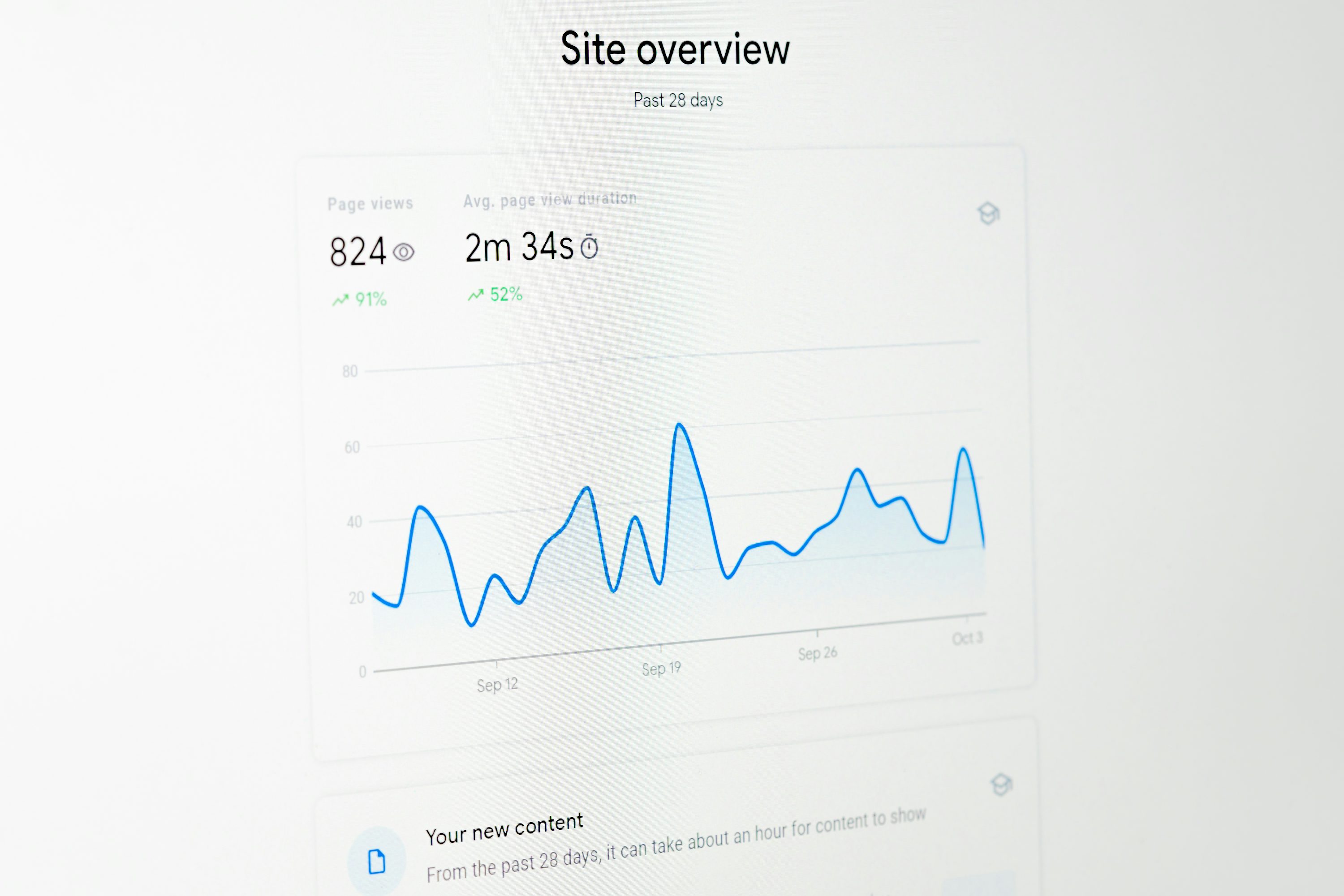
You do not need to check every item manually. The right tools dramatically speed up the process.
- Google Search Console — Free and essential. Provides crawl error reports, Core Web Vitals data, indexation status, and mobile usability information directly from Google.
- Screaming Frog SEO Spider — A desktop crawler that audits title tags, meta descriptions, headings, status codes, redirects, canonical tags, and structured data across your entire site. Free for up to 500 URLs.
- Google PageSpeed Insights — Tests page speed and Core Web Vitals for individual URLs. Provides both lab and field data along with specific optimization recommendations.
- SEOLens — Handles keyword research and competitive analysis to support the content audit section. Useful for identifying content gaps, evaluating keyword difficulty, and discovering new ranking opportunities.
- Ahrefs / SEMrush / Moz — Comprehensive SEO platforms that cover backlink analysis, domain authority tracking, competitor research, and site auditing.
- Google Rich Results Test — Validates your structured data markup and shows which rich result types your pages are eligible for.
How Often Should You Run an SEO Audit?

The right audit frequency depends on your site's size, how often content is published, and the competitiveness of your industry.
Monthly mini-audits. Run a focused check on Core Web Vitals, crawl errors, and indexation status every month. These quick checks catch technical regressions before they compound into major problems.
Quarterly comprehensive audits. Perform a full audit using the complete template every three months. This covers all four categories — technical, on-page, off-page, and content — and produces a prioritized action plan for the next quarter.
After major site changes. Any time you redesign the site, migrate to a new domain or CMS, restructure your URL hierarchy, or make significant content changes, run a full audit immediately afterward. Migrations and redesigns are the most common triggers for SEO regressions.
After algorithm updates. When Google announces a major core update, audit your site to understand how the changes affect your rankings. Focus on the areas that the update targets — for example, content quality audits after a Helpful Content Update.
Final Thoughts
An SEO audit template transforms a complex, error-prone process into a systematic one. By working through the 50+ checkpoints in this template, you cover every major ranking factor and produce a clear, actionable roadmap for improvement.
The key is consistency. Use this template on a regular schedule, track your progress over time, and adjust your priorities based on what the data tells you. Combined with the broader strategies outlined in our complete SEO audit guide, this template gives you everything you need to keep your site's SEO health in top condition.
Start your first audit today — pick up the template, open your tools, and work through the checklist one section at a time.
Ready to research your keywords?
Try SEOLens for free — get search volume, keyword difficulty, CPC, and competition data instantly.
Try SEOLens Free